
Storage Explorer
The Storage Explorer provides a web-based interface for managing objects in your Kontenum Storage bucket. It is designed to feel familiar to users coming from Amazon S3 consoles while remaining tightly integrated with Kontenum CDN.
Overview
Using Storage Explorer, you can:
- Browse objects and folders (prefixes) in your storage bucket
- Upload files directly from your browser
- Create folders
- Download objects
- Delete files or folders
- View operation results and upload status in real time
Object Management Capabilities
Using Storage Explorer, you can:
- Browse folders and objects
- Upload new objects
- Download existing objects
- Delete objects (soft delete, subject to retention policy)
- View object metadata such as:
- Object size
- Last modified timestamp
- Storage path / key name
⚠️ Deleted objects are retained for 90 days and still contribute to storage usage during the retention period.
Versioning Behavior
- Object versioning is disabled by default.
- When versioning is not enabled:
- Uploading a file with the same key overwrites the existing object.
- If versioning is enabled (by request):
- Multiple versions of the same object key will be retained.
- All versions count toward active storage usage.
Usage and Billing Visibility
- Storage Explorer reflects logical object size, not prorated billing size.
- Billing calculations are handled separately based on:
- Active Storage
- Deleted Storage
- Daily usage accumulation across the month
For detailed billing calculations, refer to the Storage Pricing and Usage documentation.
File and Folder Navigation
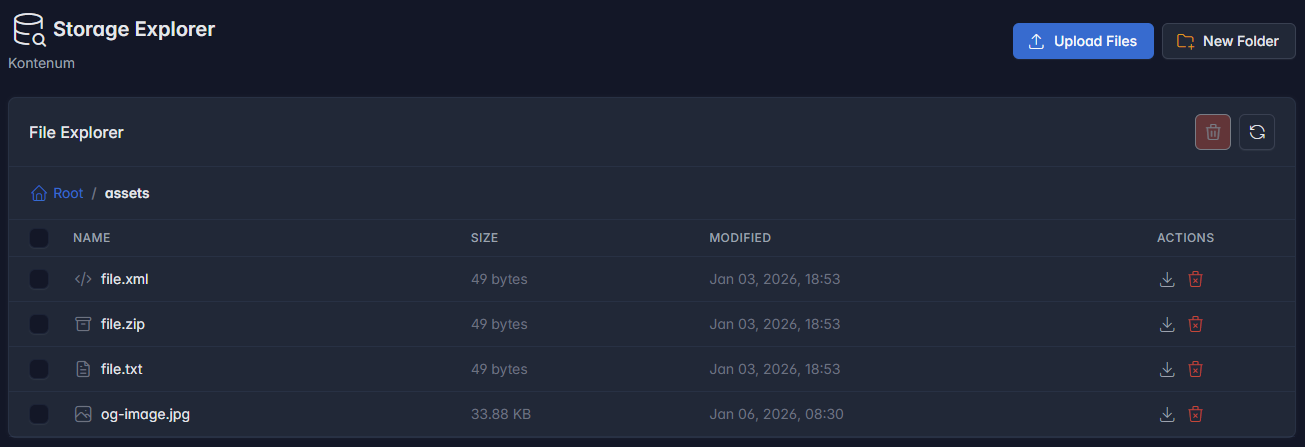
- Objects are displayed in a folder-style hierarchy based on S3 prefixes.
- Breadcrumb navigation allows quick movement between folders.
- Folders are logical prefixes and may be represented as zero-byte objects ending with
/.
Upload Files
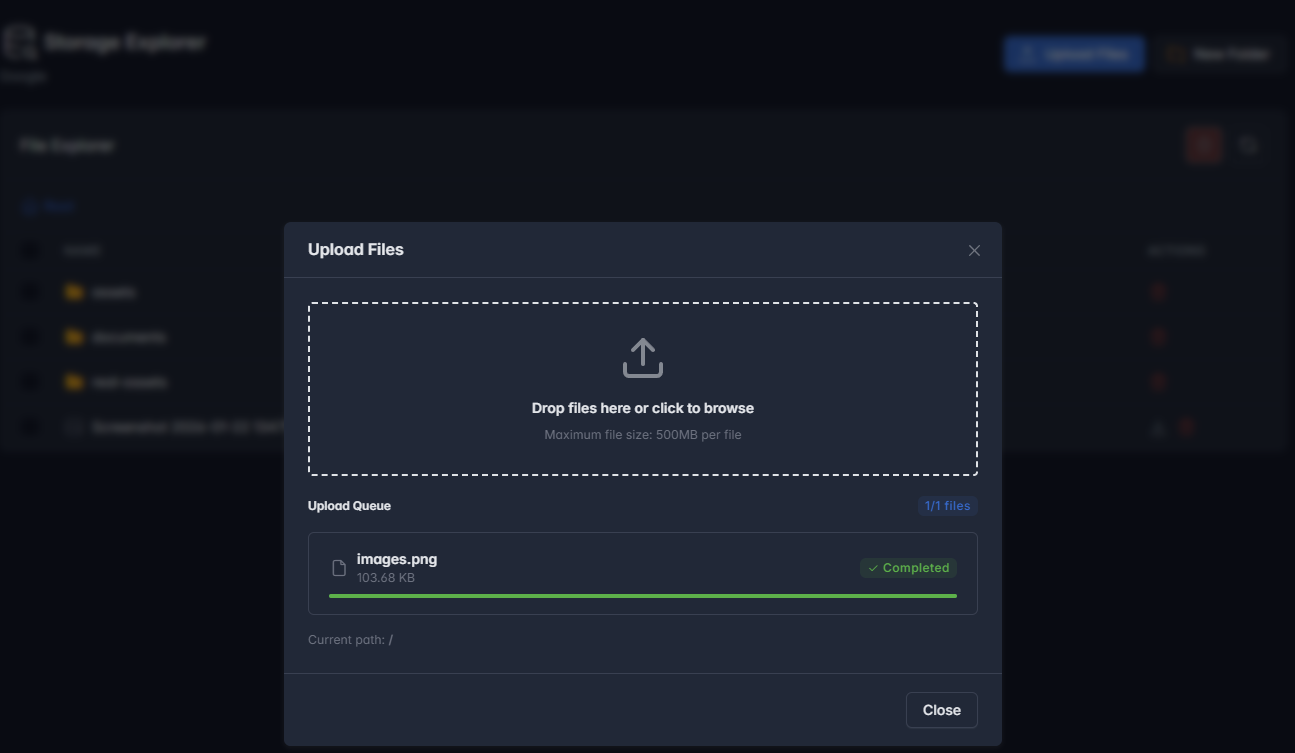
- Supports drag-and-drop and manual file selection.
- Maximum upload size: 500 MB per file.
- Multiple files can be uploaded in parallel.
- Upload progress and results are displayed per file.
- Filenames are validated to prevent invalid characters and unsafe paths.
Create Folders
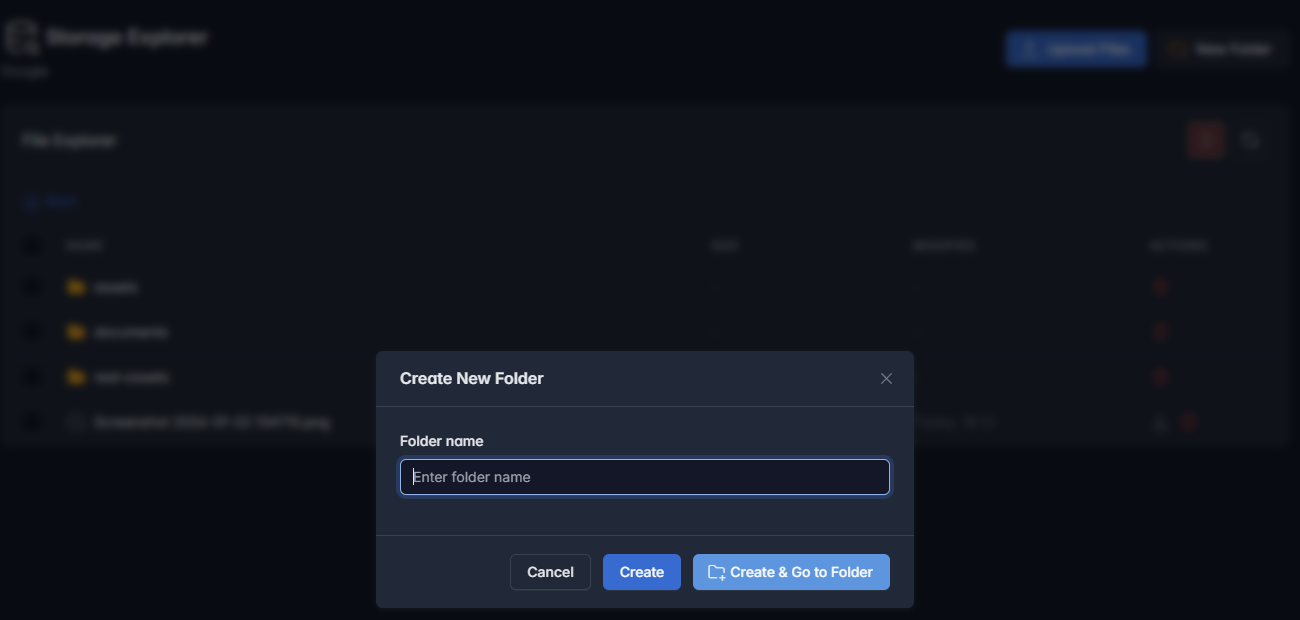
- Folders can be created directly from the UI.
- Folder names are validated for S3 compatibility.
- Newly created folders can be accessed immediately.
Delete Objects
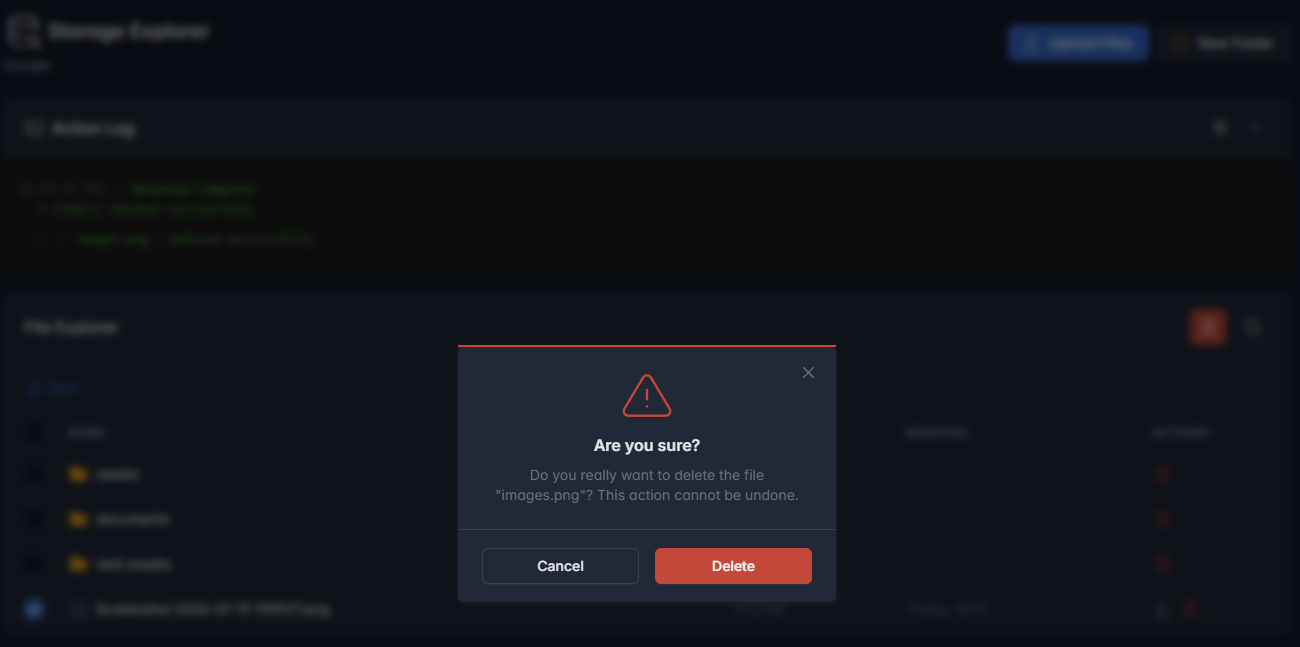
- Files and folders can be deleted individually or in bulk.
- Deleting a folder removes all objects under the selected prefix.
- A confirmation step is required before deletion.
- Deleted objects are subject to the 90-day deleted object retention policy.
Action Log

- Displays the result of upload and delete operations.
- Includes success and error messages for transparency.
- Useful for diagnosing partial failures during bulk operations.
Security and Access Model
- Storage Explorer uses temporary presigned URLs for uploads and downloads.
- All operations follow the same behavior and permission model as Amazon S3–compatible APIs.
Best Practices
- Avoid frequent delete-and-reupload cycles to minimize deleted storage accumulation.
- Use consistent object naming conventions to prevent accidental overwrites.
- For automation or large-scale operations, prefer S3-compatible APIs over manual UI actions.